After printing a swatch, click [Advanced…] button. This opens “Tweak Linearization” dialog (Figure 1). In this dialog, click  button and check [Advanced Grayscale (require colorimeter)] when “New Target Densities” dialog opened (Figure 2). Then Click [Print]. This opens “Print Swatch-Balance” dialog (Figure 3).
 Device
Click [Print ] to print the swatch, or [Cancel] to close this dialog without printing.
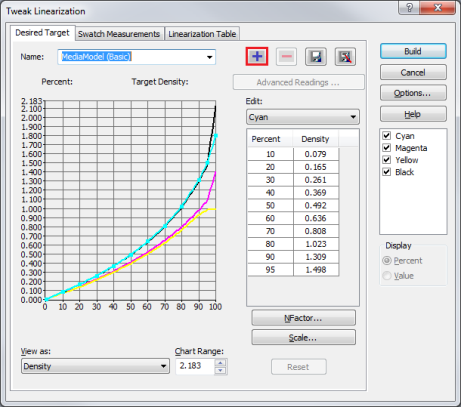
Figure 1
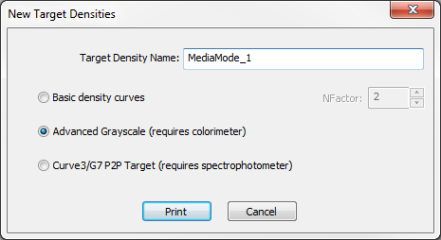
Figure 2
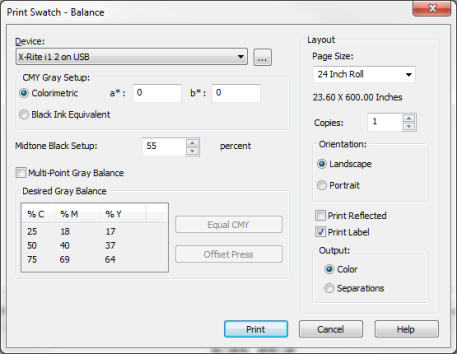
Figure 3