
Create a new Media Profile allows you to create new media by following simple step-by-step instructions.
Select [Create a new Media Profile] button from the "Create Profiles" screen to create a new media. This opens the “Create a new Media Profile” Wizard (Figure 1). Follow the instructions in the Wizard to create new media.
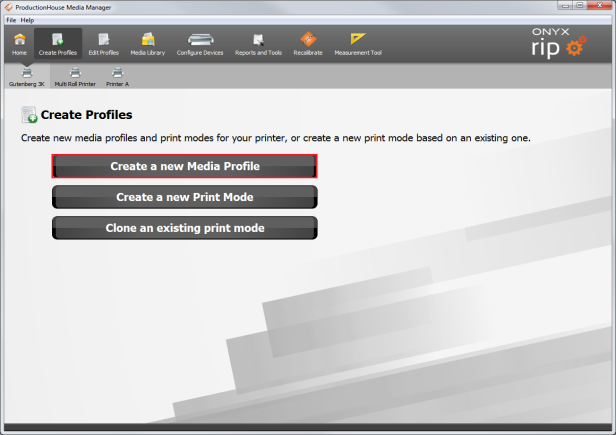
Figure 1
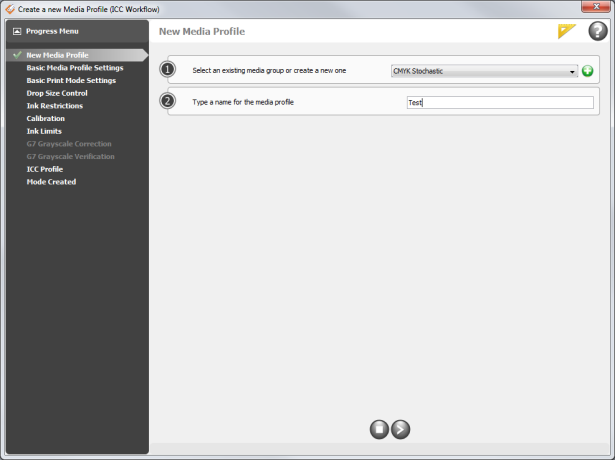
Figure 2